
Make sure the photographer knows what to shoot
Build the event shot list by final pieces and deliveries, give each photographer and videographer a link and another one to the client. They tick what they have and comment from their phone, and you watch progress live.
- Final pieces, deliveries and shots with file names
- One link for every creator and every client
- Checks and comments from the phone, live progress
Included in the Murphy OS plan · €10.50/mo ·


The missing photo is always the one with the CEO
Without the app
- The photo brief sits in an email nobody rereads on event day
- The photographer cannot tell must-have shots from nice-to-haves
- You find out the group photo is missing after everyone has left
- Files arrive with impossible names and you rename them by hand
With Media Go
- Every creator has their list on their phone, with must-haves marked
- Shots are grouped by final piece: gallery, aftermovie, social
- You see live what is done and what is missing, and ask in time
- Every shot carries its file name, with the event code
Everything Media Go does
Final pieces and deliveries
Photo gallery, aftermovie, social media. Inside, the deliveries and their shots, in the order you want and draggable.
Shot by shot
Title, file name, who it is for, time, note and must-have. Nobody wonders what to shoot.
One link per person
Every photographer and videographer has a link, and clients have theirs, with the deliveries each one sees.
Checks and comments
From their phone they tick what is done and comment on each shot. Done shots stay in place, crossed out.
Assets and deliveries
Logos, brand guides and the folder to upload final pieces. Creators leave their WeTransfer or Drive link with a note.
Share with your team
Share the project with other Murphy OS users to view, comment or edit.
This is what it looks like inside


In three steps
Build the list
Start from the corporate event template or from scratch, and add the code for file names.
Share the links
One for every photographer and videographer, and one for the client with what they need to see.
Follow progress
See live what is done, what is missing and the comments, and collect the deliveries at the end.
Who uses Media Go, and for what
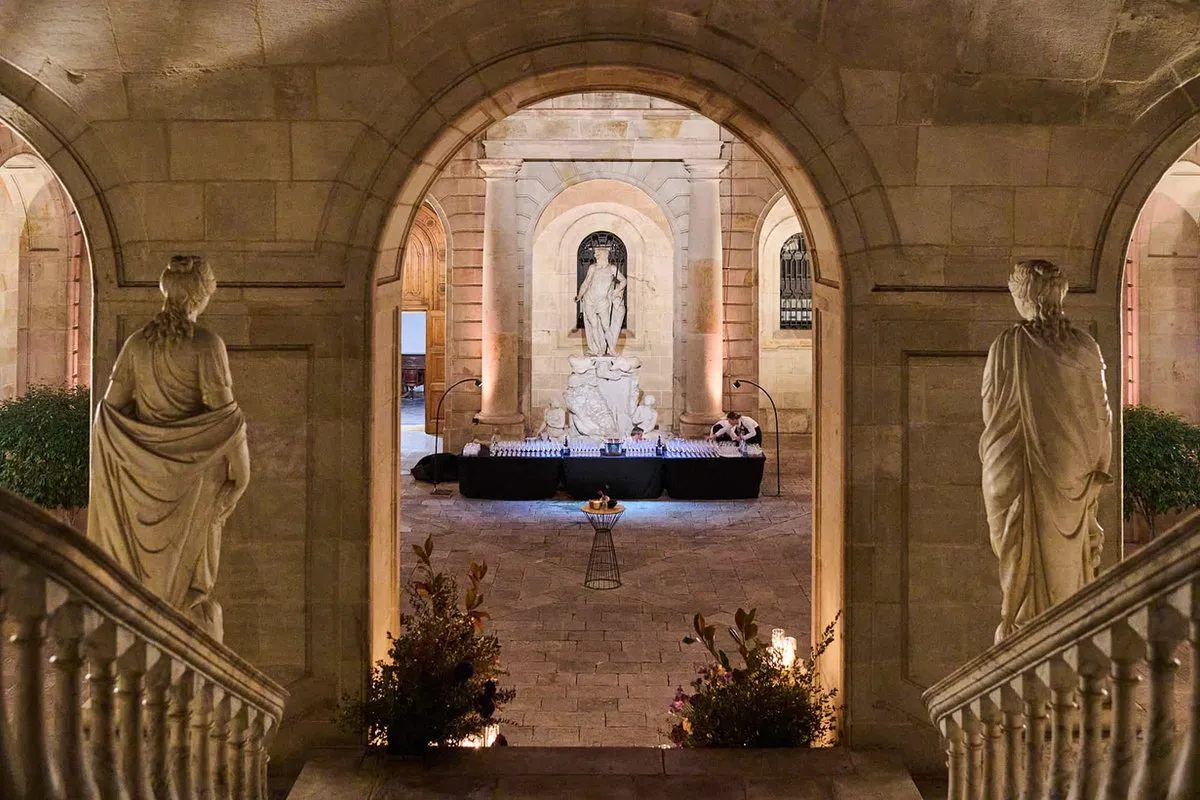 Motiva WSEI world congress · Barcelona Event and MICE agency
Congress with photo, video and social
An international congress like WSEI in Barcelona. Photographer, videographer and social media with their own link, speaker close-ups as must-haves and the client following progress.
See the full case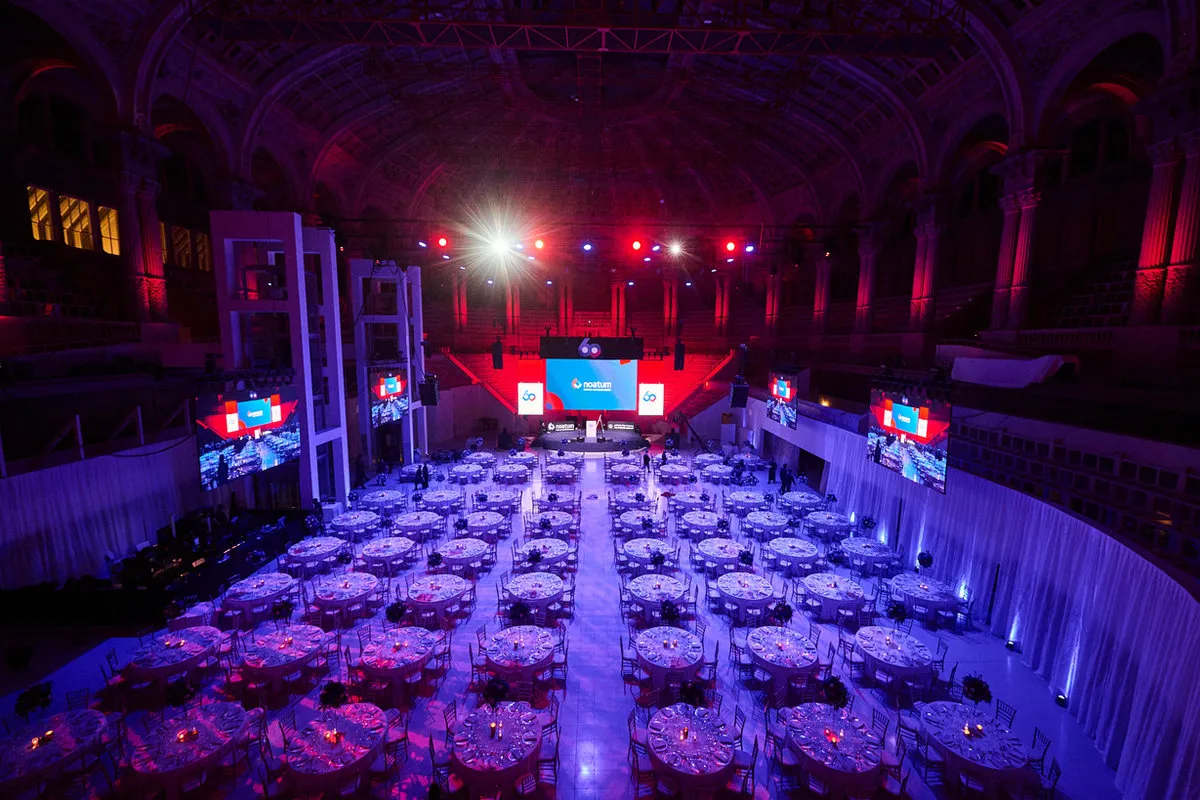
 60th anniversary · MNAC, Barcelona In-house corporate teams
The anniversary people will look back on for years
An anniversary like Noatum's at MNAC. The group photo, the speech and the venue details, each with its file name and its check.
See the full case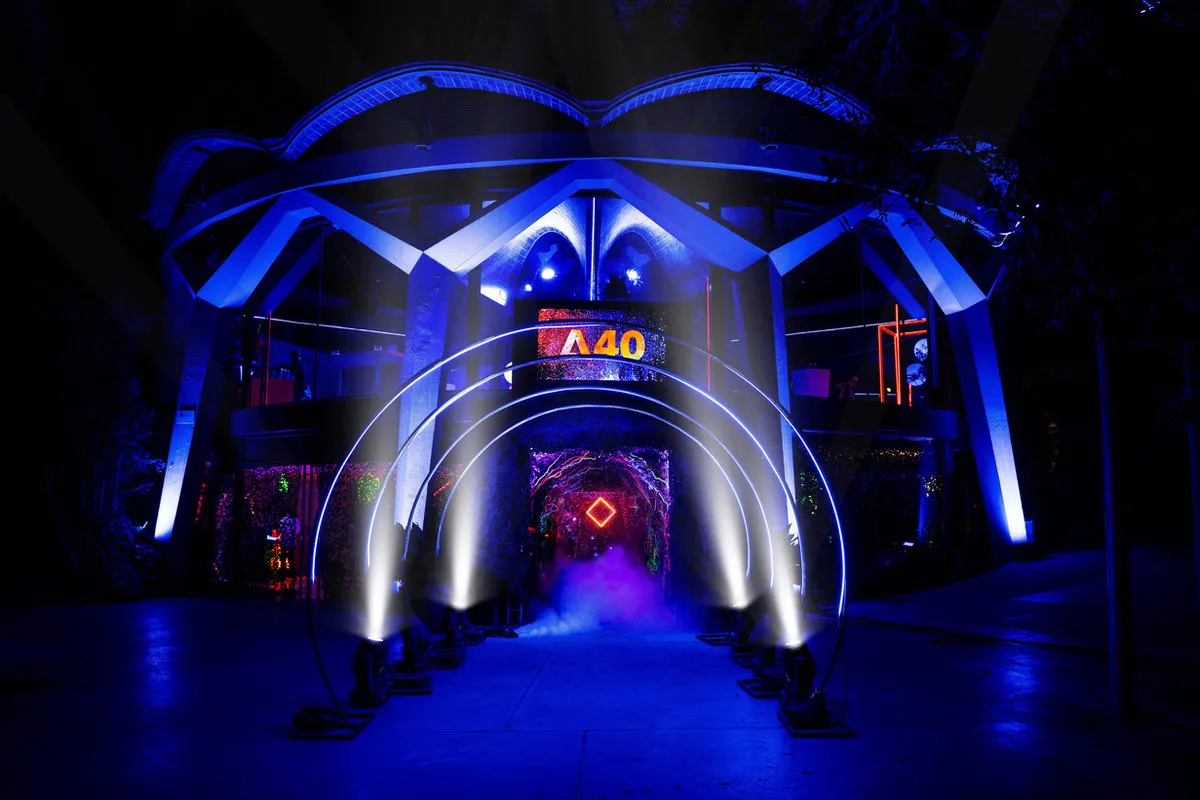
 A40 Mothership · Esferic, Barcelona Technical production and stage management
Launch with social content on the same day
A launch like Adobe's A40 Mothership at Esferic. Vertical reels for the same day, the gallery for later and the client commenting from their phone.
See the full caseLearn to do it right with Media Go
Questions about Media Go
Does the photographer need an account?
No. They open their link on their phone, see their shots, tick and comment. No sign-up.
Does the client see the same as the photographer?
They see the deliveries you choose and can comment, but cannot tick shots. You can have several client links, each with its own view.
Where do the photos get uploaded?
Wherever you say: you leave your Drive or Dropbox link in Assets, and creators leave their WeTransfer or folder with a note.
Can I bring in the Planner agenda?
Yes. Import the event agenda from the Planner, or paste it from a spreadsheet or text.
Does it work in English?
Yes. The app and the creator links work in Spanish and English.
Works great with
Start with Media Go today
Media Go and every other Murphy OS app for one fee. No lock-in.
No lock-in. Cancel anytime.