
The event budget that tells you if you make money
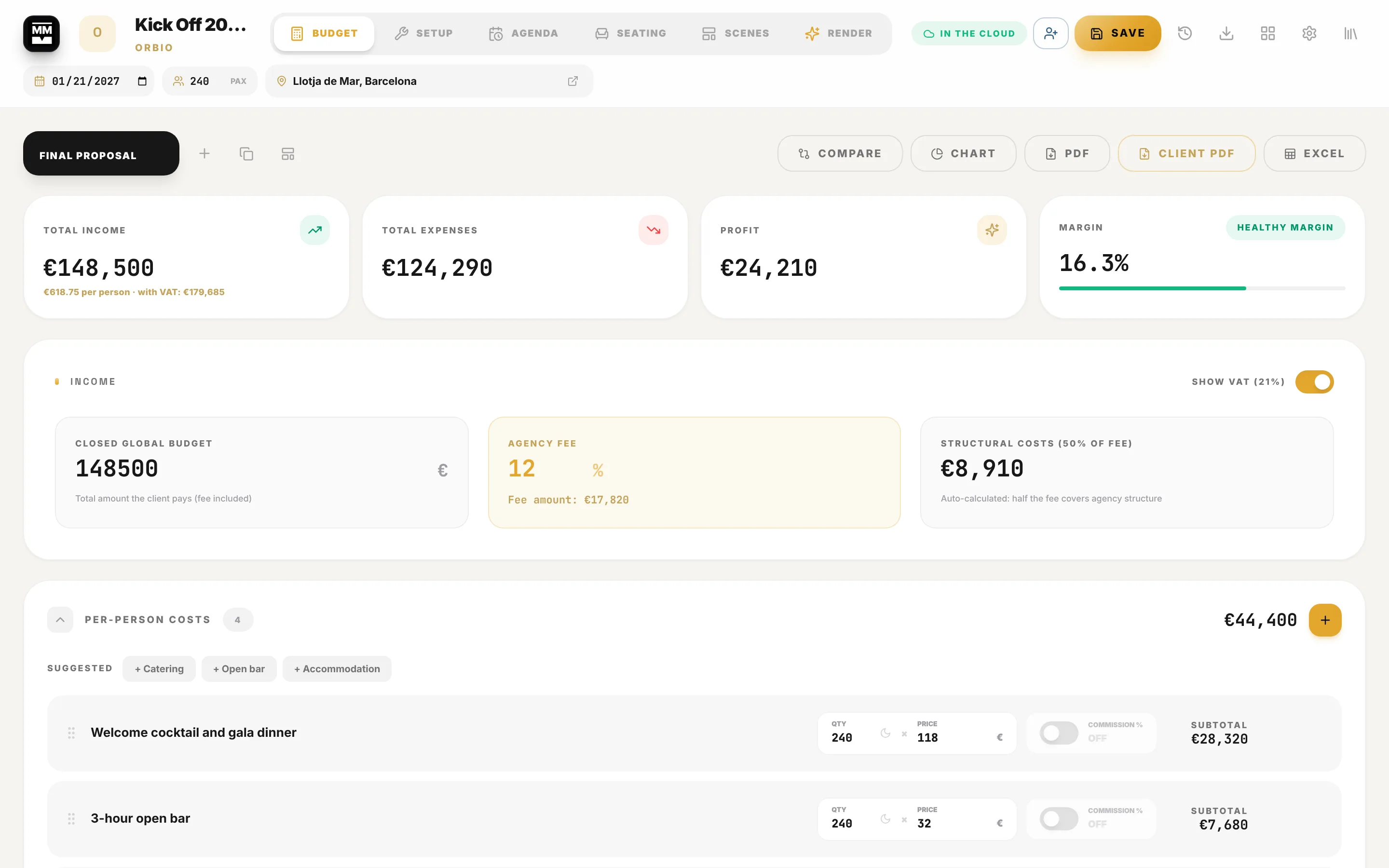
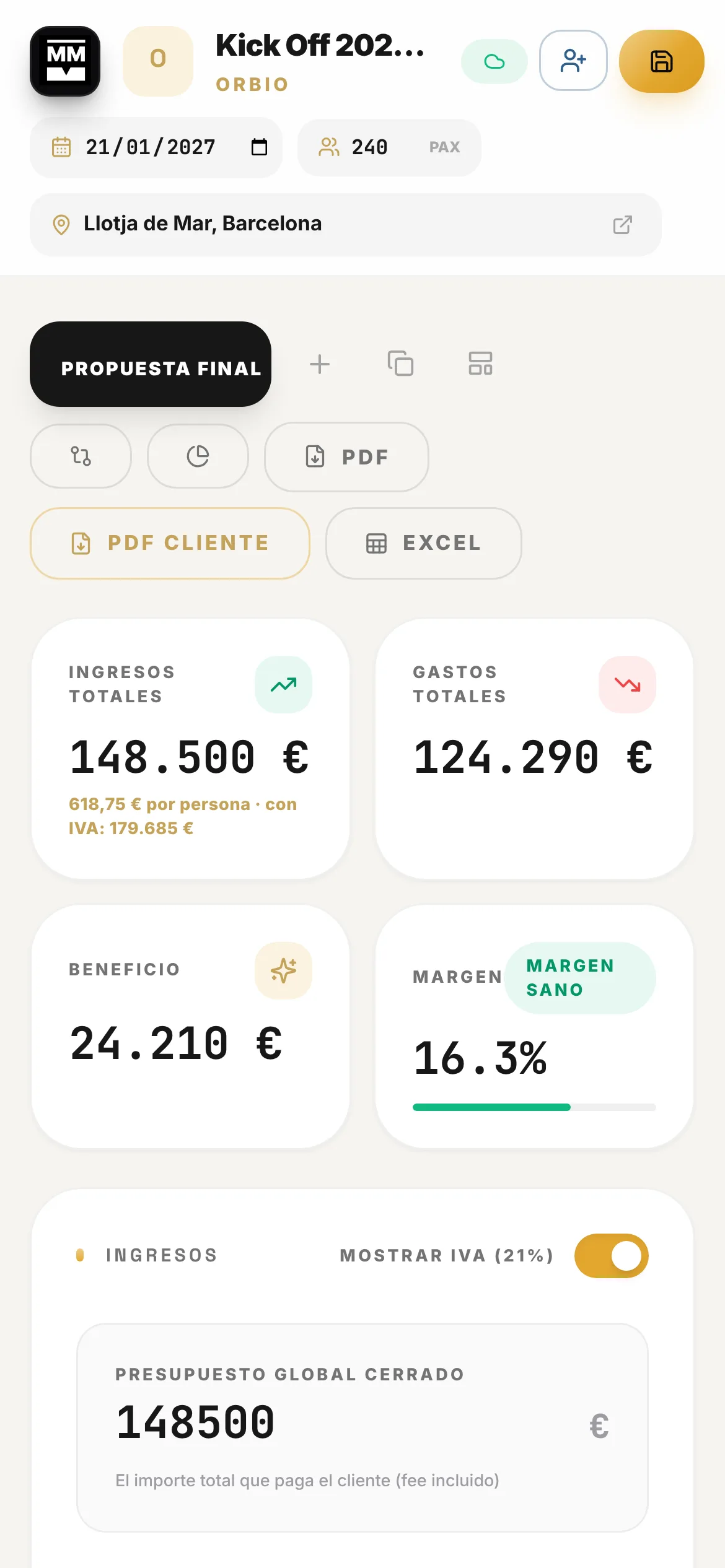
Line items, VAT, fee and margin on one screen, with the setup timeline and the agenda right next to them. The spreadsheet you used to dread becomes a living project.
- Margin and profit update with every change
- Client PDF without your margins
- Setup and agenda by day, with AI to turn text into a timeline
Included in the Murphy OS plan · €10.50/mo ·
Your budget should not give you nasty surprises
Without the app
- One spreadsheet per event, with formulas someone broke in version 7
- You find out the real margin after you have agreed the price
- The setup timeline lives in an email and the agenda in another file
- You copy the budget by hand to strip out your margins
With Planner
- Every event is a project with its budget, setup and agenda
- You see profit, margin and cost per guest while you negotiate
- Initial, adjusted and final versions compared side by side
- One click and the clean client PDF is ready, with your logo
Everything Planner does
A living budget
Income, per-guest costs, global costs, staff and extras. Totals, profit and margin update instantly.
VAT, fee and commissions
VAT per line, agency fee, commissions and room nights. What you charge and what you keep, without side calculations.
Versions to negotiate
Duplicate before you cut: initial, adjusted, final. Compare them and go back to the one that worked.
Internal PDF, client PDF and Excel
The client PDF leaves your margins out and carries your brand. The internal PDF and Excel are for the team.
Setup and agenda by day
Day -1, show day, load-out. Times, owners and suppliers. Paste an email or a sheet and the AI turns it into lines.
Seating, Scenes and Render inside
In the same project: the table plan, the space design and an AI render from the floor plan to show your client.
This is what it looks like inside


In three steps
Create the project
Event name, client, date and guest count. Or start from the sample event with real numbers.
Build the budget
Add income and costs in blocks. The margin shows green, amber or red.
Send and produce
Export the client PDF and move on to setup and agenda without leaving the project.
Who uses Planner, and for what
 60th anniversary · MNAC, Barcelona Event and MICE agency
Three versions before the yes
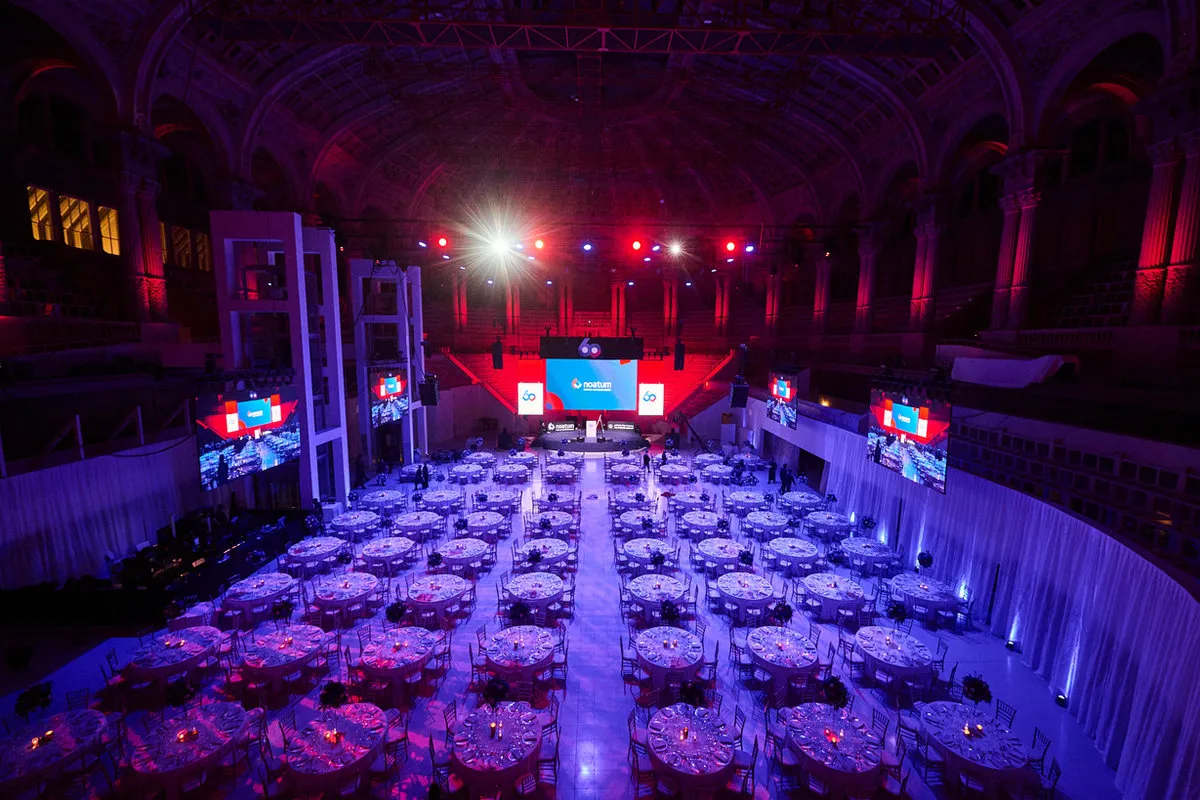
An anniversary like Noatum’s at the MNAC: over 650 guests, welcome, show and gala dinner. If the client asks for a cut, you duplicate the version, drop a line and see right away whether the margin holds.
See the full case
 BESO Pedralbes opening Freelance event planner
The PDF that hides your fee
An opening like BESO Pedralbes, with 650 guests, food and live music. Catering, artists and your fee go into the budget, and the client gets a PDF with your logo showing only the total with VAT.
See the full case
 ISE party · Llotja de Mar Technical production and stage management
From the venue's email to a timeline
A party like Logitech’s at the Llotja de Mar during ISE week, with a rush set-up. Paste the venue’s email with load-in and load-out times and AI sorts it into Set-up, line by line.
See the full caseQuestions about Planner
Does it work in any currency?
Yes. Pick your currency in Settings and the budget, PDFs and Excel use it.
Will my client see my margins?
No. The client PDF shows services and totals. Your costs, fee and margin stay in the internal PDF.
Can I work on a project with my team?
Yes. Use Share to invite another Murphy OS user to View, Comment or Edit, and remove them whenever you like.
Where are my projects saved?
In the Murphy OS cloud, automatically, within seconds. You can also copy them to Google Drive, Dropbox or a folder on your computer.
Do I have to start from scratch?
No. There is a sample event with real numbers and timings you can edit, duplicate or delete, plus line-item templates to reuse.
Works great with
Start with Planner today
Planner and every other Murphy OS app for one fee. No lock-in.
No lock-in. Cancel anytime.