
Your run of show, live and on time
Build the run of show once and on show day it becomes a live board: the crew ticks every cue from their phones, you see if you are running late and the client follows along.
- Chained times that reflow on their own
- Crew link to tick cues without an account
- Client link without internal cues
Included in the Murphy OS plan · €10.50/mo ·


A printed PDF does not survive a ten-minute delay
Without the app
- You print the run of show and half an hour later it is useless
- Change one duration and you recalculate every time by hand
- The client sees internal notes they were never meant to see
- Nobody knows if the welcome has started or if catering is late
With Escaleta
- Change one duration and the following times move on their own
- It warns you when two fixed times overlap or leave a gap
- Internal cues the client never sees
- See live what is done, who ticked it and how far behind you are
Everything Escaleta does
Chained or fixed times
Each cue starts when the previous one ends. Pin the ones that cannot move, like doors opening.
Several days in tabs
Load-in, day 1, day 2, load-out. Each day with its date and its total.
Colour-coded teams
AV, catering, hosts, stage management. Type a new team on any line and it is created.
Live mode
Now and next in large type, ticks per cue with time and name, and a warning if you are ahead or behind.
Two links, two roles
Client: view only, with the columns you choose. Crew: sees everything and ticks cues from their phone, with a QR code.
Import in a minute
Bring in the setup and agenda from a Planner event, or paste a table from Excel or Google Sheets.
This is what it looks like inside


In three steps
Build the run of show
From scratch, from Planner or by pasting a table. With the event and client logos.
Turn on the links
One for the client and one for the crew. Switch them off or change them whenever you want.
Go live
On show day everyone sees the same run of show and the ticks in real time.
Who uses Escaleta, and for what
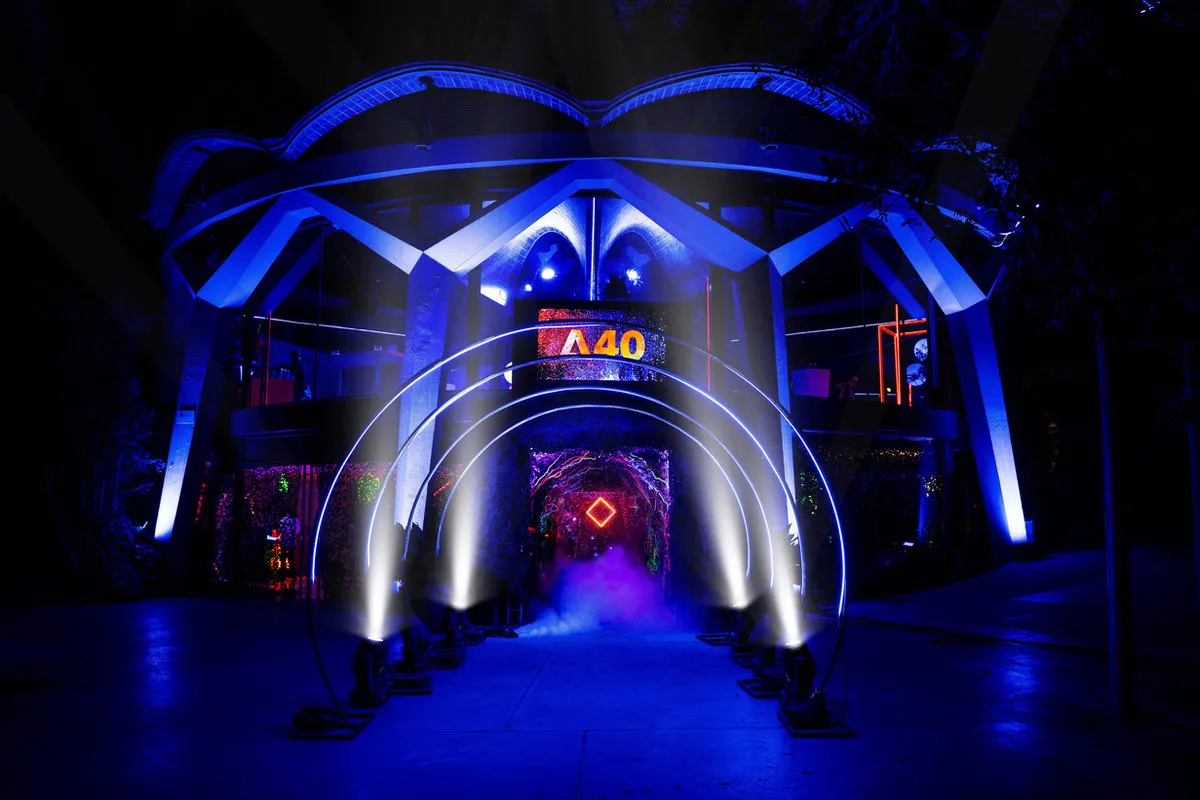
 A40 Mothership · Esferic, Barcelona Technical production and stage management
A kick-off with 14 video cues
An experience like A40 Mothership for Adobe at Esferic, with 150 guests, projections and actor entrances. The stage manager ticks every cue from their phone and the tech team sees on the same link if we are running late.
See the full case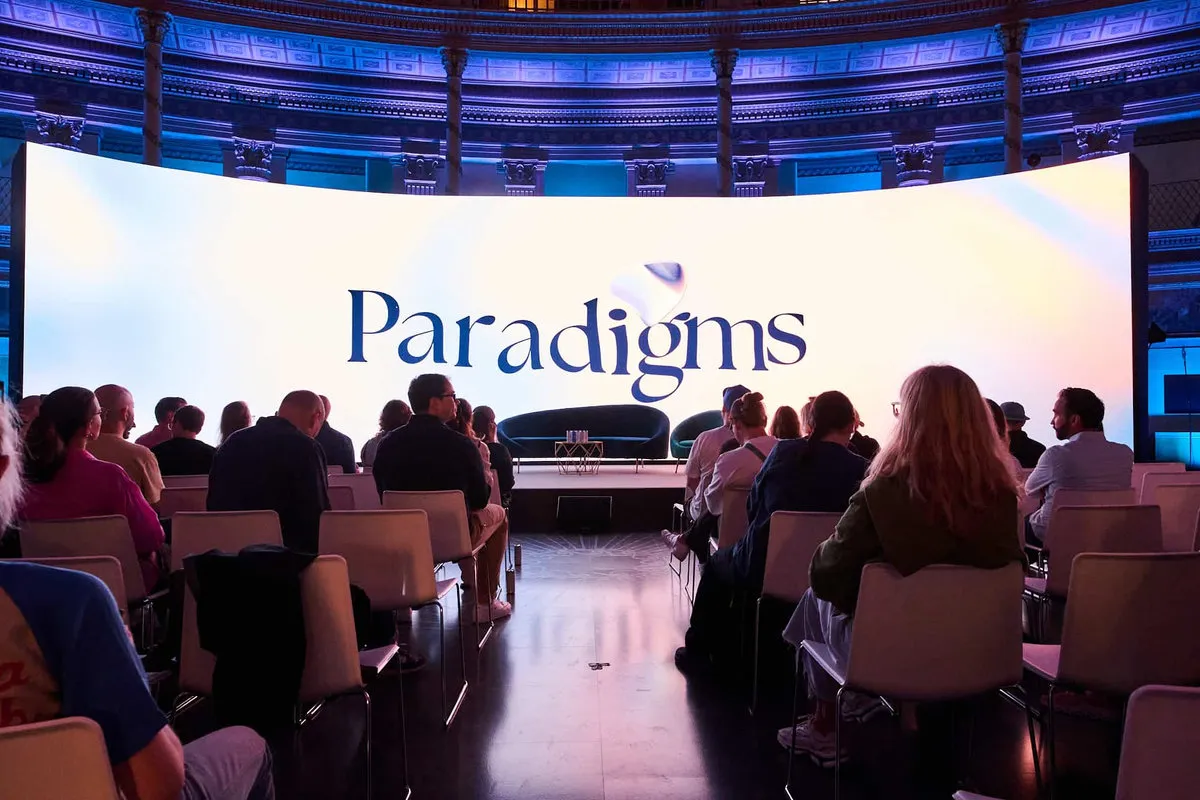
 Paradigms 2024 · Acquario Romano, Rome In-house corporate teams
The board follows it live
Two days like Paradigms 2024 at the Acquario Romano in Rome, with speakers from all over the world. The client follows the agenda live from their link, without internal notes, and always knows who is on stage.
See the full case
 The Alchemist · 13th century castle Wedding and celebration planner
The wedding that keeps its first dance
As in a wedding, every block pushes the next: in The Alchemist for Esteve, actors, challenges and food are chained across the castle rooms. If a challenge runs long, you warn the kitchen and the actors before anyone notices.
See the full caseQuestions about Escaleta
Does the crew need a Murphy OS account?
No. They open the crew link, enter their name and tick cues. Every tick shows the time and who did it.
What exactly does the client see?
View only, in real time, without internal cues and with the columns you choose for them.
Can I bring in the agenda I built in Planner?
Yes. Import setup, agenda or both, and the times stay exactly as they were.
Does it work on mobile?
Yes, in a mobile or desktop browser, and with Murphy OS installed as an app.
Are my run of shows private?
Each one is yours alone. It only goes out through the links you turn on, and if you change a link the old one stops working.
Works great with
Start with Escaleta today
Escaleta and every other Murphy OS app for one fee. No lock-in.
No lock-in. Cancel anytime.