
Event registration, from landing page to the door
Build the landing page and form with your client's brand, manage capacity and waitlist, send the emails and on the day check people in by QR. With data protection where it belongs.
- MICE templates: conference, incentive, gala, kick-off, team building, RSVP
- QR check-in and printable badges
- A live tracking link for your client
Included in the Murphy OS plan · €10.50/mo ·


Registration does not belong in a generic form and a spreadsheet
Without the app
- A generic form that looks nothing like the client's brand
- Capacity per activity tracked by hand, until someone slips through
- The client asks every morning how many have signed up
- At the door, a printed list and a pen
With Forms
- Landing page and form in the client's style, colours and fonts
- Capacity per option and an automatic waitlist that moves people up
- Your client has a tracking link and checks it whenever they like
- QR check-in from several phones at once, nobody gets in twice
Everything Forms does
MICE templates with logic
Conference, incentive trip, gala, kick-off, team building or RSVP. Questions that only show when relevant, capacity per activity, coach, sizes and dietary needs.
Your style or your client's
Classic or step by step, with cover image, colours and custom fonts. A link with the client and event name, or embedded on their site.
Emails you can track
Automatic confirmation, personal links to complete details and tracking for every email: delivered, opened, visited, replied.
Door and badges
QR check-in from several phones and printable badges by guest type, with crop marks.
Your client in the loop
One link to comment on the landing page before it goes live and another to follow sign-ups live with the figures and answers you choose.
Data and GDPR in order
Privacy and image consent boxes, a data processing agreement your client signs, and a dietary and allergen list for the venue.
This is what it looks like inside


In three steps
Pick a template
Or create it with AI from an idea or a reference, then adjust questions and style.
Review and publish
Your client comments on the landing page, you apply the changes and open registration.
Run it to the door
Responses, emails, capacity, badges and check-in all in one place.
Who uses Forms, and for what
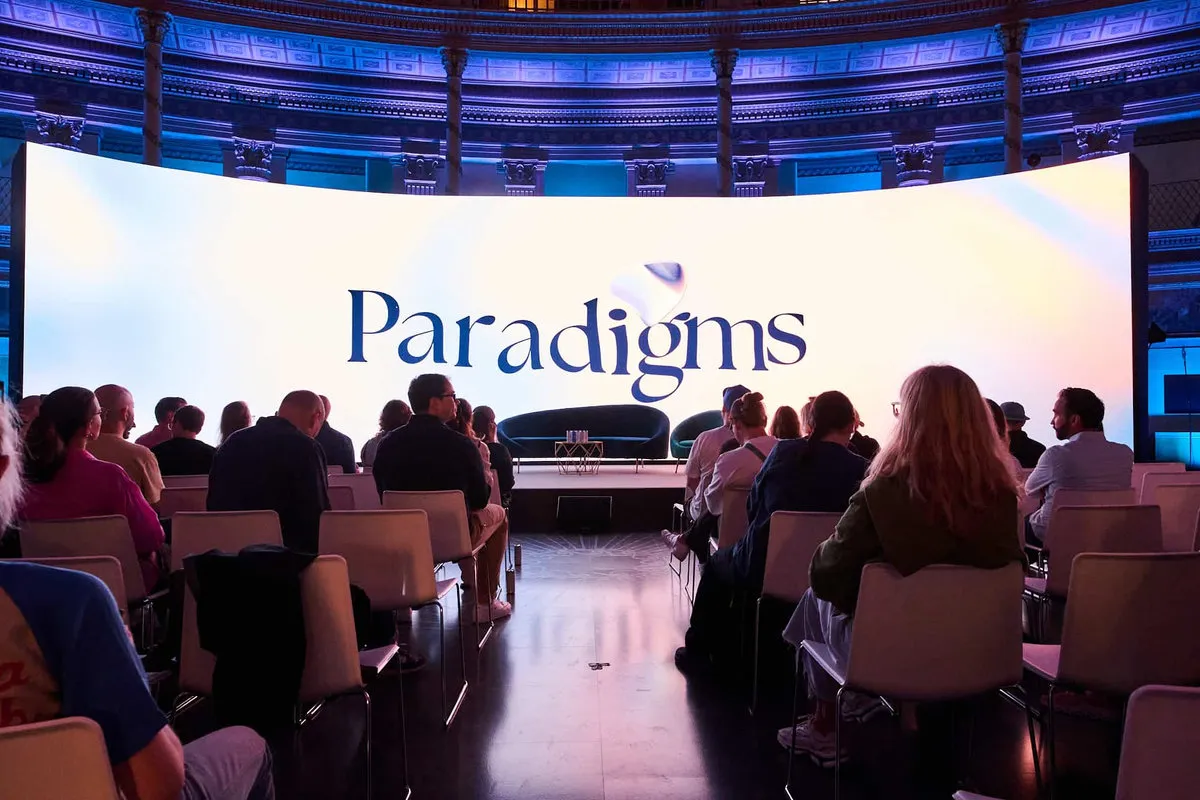
 Paradigms 2024 · Acquario Romano, Rome Event and MICE agency
A two-day congress in three languages
An international summit like Paradigms 2024 in Rome. The landing page runs in several languages, workshops have limited seats and every guest gets the confirmation in their own language.
See the full case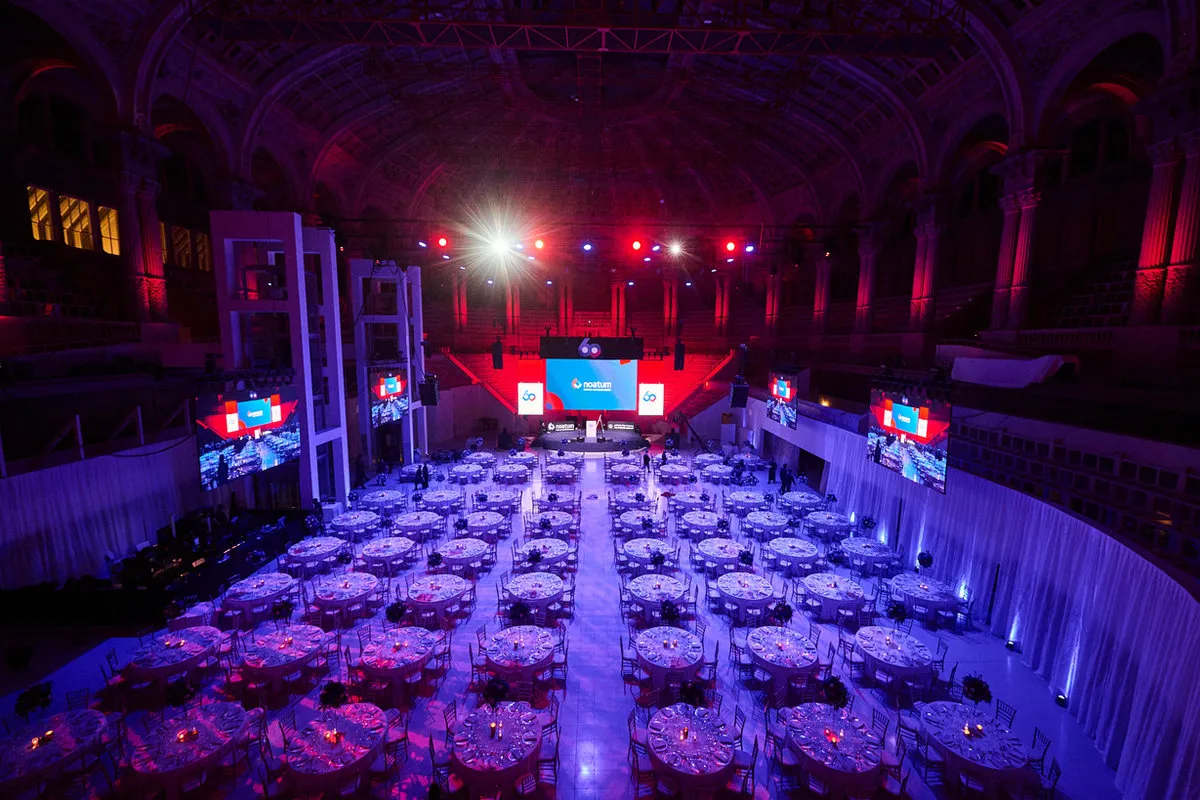
 60th anniversary · MNAC, Barcelona In-house corporate teams
The Christmas dinner without chasing anyone
An anniversary like Noatum’s at the MNAC, with over 650 people. HR opens registration with menu, allergies and transport, those who do not reply get their own link and catering always has the latest list.
See the full case
 BESO Pedralbes opening Technical production and stage management
Three badge pickup lines
An opening like BESO Pedralbes, with 650 guests and familiar faces. Badges by guest type, QR check-in and several entry lines on the same link.
See the full caseQuestions about Forms
Can I charge for registration?
You can send each person to their payment link at the end (Stripe, PayPal, your bank's card gateway…), even a different one per option. That service handles the payment.
Which languages can I publish in?
Spanish, English, Catalan, French, Portuguese, Italian and German. The AI translates any missing text and you review it.
Can I put it on my client's website?
Yes. You can embed it on their site, along with the review and tracking pages.
How does check-in work?
Every guest has a QR code. In Door you scan it from your phone and can open several entry lines with a link, no account needed.
Who is responsible for guest data?
Usually your client, and you process it on their behalf. Forms includes a data processing agreement for them to sign. If you are unsure about your case, ask your adviser.
Works great with
Start with Forms today
Forms and every other Murphy OS app for one fee. No lock-in.
No lock-in. Cancel anytime.