Event contracts ready to fill in and sign
Templates built for what we actually sign: event management, supplier, venue, performer, speaker, freelancer, sponsorship or NDA. Pick clauses, fill in the details and close it with a signature.
- Cancellation, force majeure, plan B and rooming already drafted
- Your client comments and signs from a link
- Signed PDF with certificate and annexes included
Included in the Murphy OS plan · €10.50/mo ·


Your contract cannot be the last one with a new name
Without the app
- You recycle another client's contract and their name slips into clause 7
- Nobody wrote down what happens if it rains, if they cancel or if numbers drop
- Client comments arrive in a Word file with endless tracked changes
- The quote, floor plan and rider travel separately in another email
With Contracts
- Start from a template for each kind of events agreement
- Cancellation, force majeure, plan B, attrition and payments, ready to pick
- Your client comments clause by clause and you reply from the app
- Annexes sit inside the contract and are signed with it
Everything Contracts does
Templates for every deal
Event management, quote acceptance, supplier, venue hire, room block, performer, speaker, freelancer, co-production, sponsorship, NDA, image rights and data processing.
Clauses à la carte
Switch on what applies: cancellation by either party, force majeure, outdoor events, deposit, liability insurance, music rights, tech rider.
Spain or Mexico
Pick the country when you create the contract and the wording adapts. Also available in English.
Review with your client
Send the draft by email, WhatsApp or link. They complete their details and comment. Whatever they fill in goes straight into the contract.
Sign with a code
Lock the version, your client signs with a code sent to their email and you countersign. Nobody can change the text while it is locked.
Final PDF with certificate
Contract, annexes and a certificate with the document fingerprint and its history. Emailed to both of you. Also in Word and plain text.
This is what it looks like inside


In three steps
Pick the template
Each template has an «i» button explaining when to use it. Or start from a blank one.
Fill in and adjust
Party details, price, payments and clauses. Upload the quote or floor plan as an annex.
Review and sign
Have it reviewed by your adviser, send it to your client and both sign in Murphy OS.
Who uses Contracts, and for what
 Motiva WSEI world congress · Barcelona Freelance event planner
Working with an agency, in writing
A congress like WSEI: three days with 500 specialists. If you join as a freelance stage manager or coordinator, you lock in your days with the agency using the freelance agreement, cancellations included.
See the full case
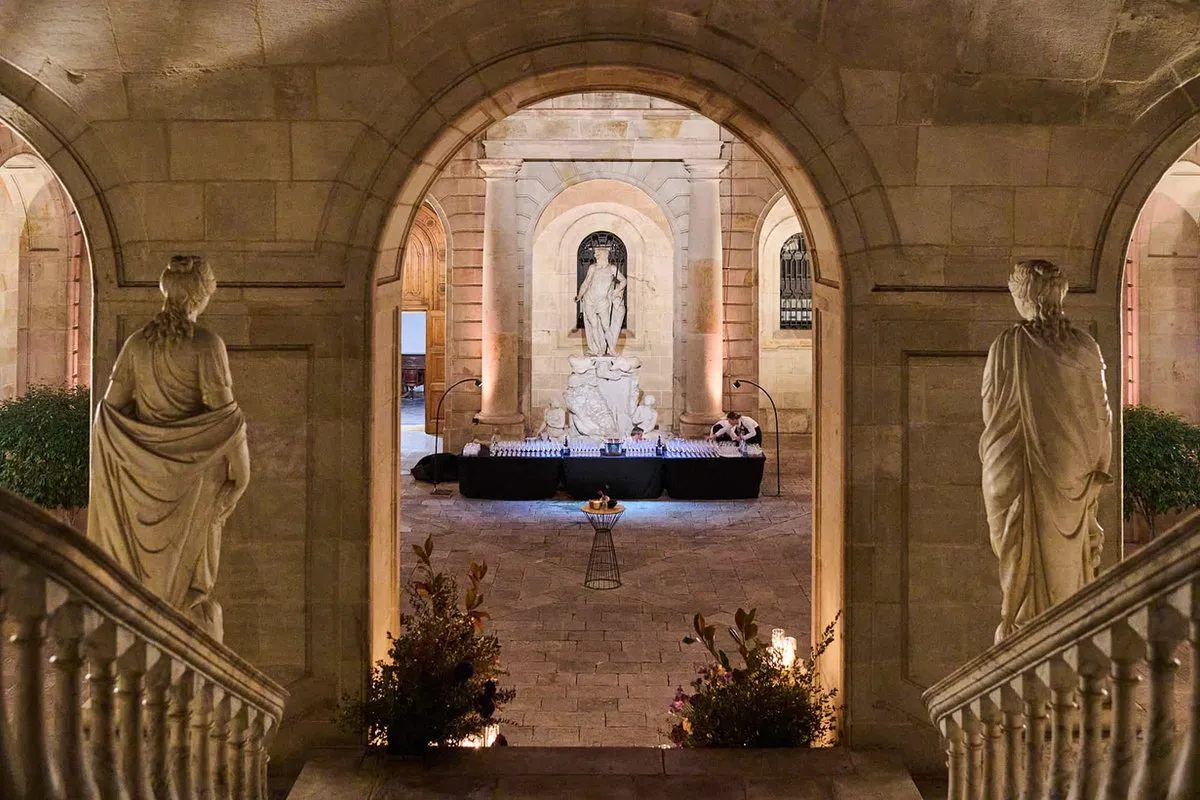
 Game of Thrones · Castell de Sant Gregori Venues, hotels and DMCs
Venue hire with a plan B
A castle like Sant Gregori, where 250 Movistar people lived Game of Thrones outdoors. The venue hire includes the outdoor clause, the plan B and the house rules, signed before set-up.
See the full case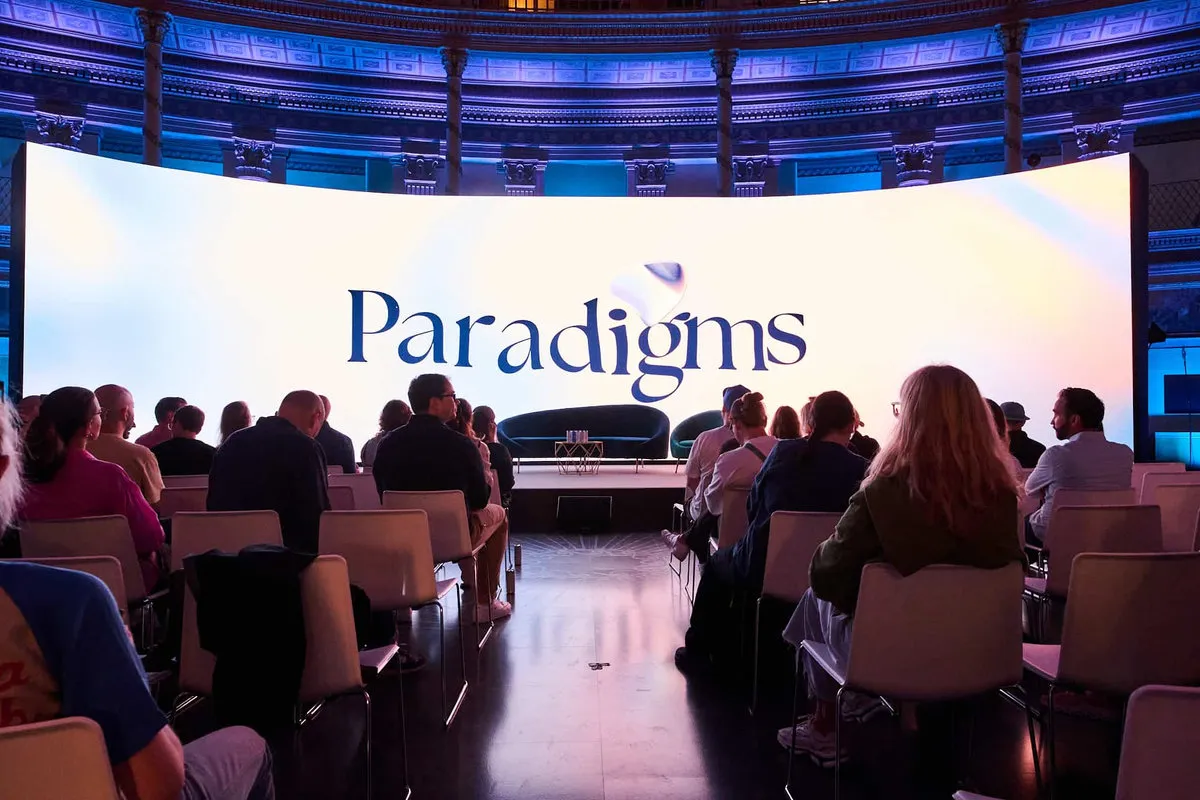
 Paradigms 2024 · Acquario Romano, Rome Event and MICE agency
A room block without surprises
A trip like Paradigms 2024 in Rome, with guests from several countries. The room block makes the rooming list, release dates and no-shows clear before the first deposit.
See the full caseQuestions about Contracts
Do these contracts replace a lawyer?
No. They are guidance templates built for the events industry. Before signing or sending anything, have it reviewed by your accountant, adviser or lawyer and adapt it to your case.
Which countries do they cover?
When you create a contract you choose Spain or Mexico and the wording adapts. Even so, every deal is different and the law changes: always have it checked by a professional.
How does my client sign?
From their link, with a code sent to their email. You countersign and the final PDF with its certificate is emailed to both of you.
Can I save my own templates?
Yes. Save your versions with your clauses and your logo for the next contract.
Can I use Dropbox Sign?
Yes. If you already use it, you can send the contract from there too.
Works great with
Start with Contracts today
Contracts and every other Murphy OS app for one fee. No lock-in.
No lock-in. Cancel anytime.