
Your digital business card and a card scanner
Design your card with your photo, logo and colours, and share it by QR or an NFC card. When someone hands you a paper one, take a photo: we read it and it goes into your contacts.
- QR, NFC and lock screen
- Snap several cards at once, or in burst mode
- Contacts grouped by event, to Excel or your phone
Included in the Murphy OS plan · €10.50/mo ·


Coming home from a trade show with 40 cards is not networking
Without the app
- You run out of cards on day one of the trade show
- You come back with a stack nobody will type up
- You cannot remember what you discussed with whom, or at which stand
- Your details change and printed cards go out of date
With Business Cards
- Your card lives in a QR, an NFC card or your lock screen
- Take a photo and the details go straight into Contacts
- Every contact carries the event and your conversation notes
- Change a detail and your card is up to date for everyone
Everything Business Cards does
Designed with your brand
Your photo, logo, cover, colours, font and the logos of clients or brands you work with.
QR, NFC and lock screen
Share by QR, write your link to an NFC card or set it as your lock screen to show it without opening anything.
Scan cards with a photo
We read them and they go straight into your contacts. Several in one photo or in burst mode.
They leave their details
Whoever scans your card can send theirs with the «Here are my details» button. They land in Contacts and your inbox.
Contacts by event
Search by name, company, event or note. Write down what you discussed and what you promised.
More ways to use your card
Video call background, email signature, printable card and export to Excel or your phone's address book.
This is what it looks like inside


In three steps
Design it
Pick a template, upload your photo and logo, and set colours and font.
Share it
QR on screen, NFC, lock screen or a link over WhatsApp.
Scan at the event
Enter the trade show name and everything you scan is filed under it.
Who uses Business Cards, and for what

 ISE party · Llotja de Mar Venues, hotels and DMCs
A trade show without paper cards
A week like ISE in Barcelona, with Logitech and half the industry in town. Share your card by QR and burst-scan the cards of everyone who stops by, with a note on what they were after.
See the full case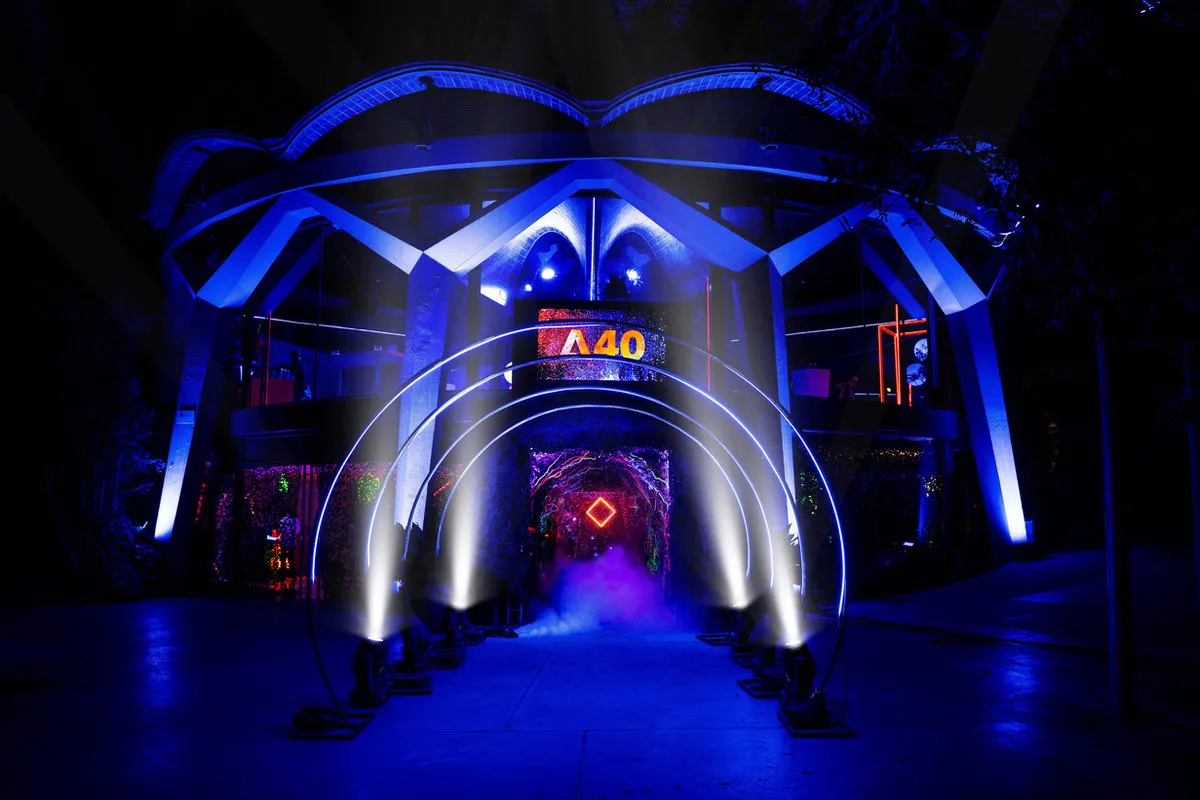
 A40 Mothership · Esferic, Barcelona Freelance event planner
The card that shows your clients
If you have produced experiences like A40 Mothership for Adobe, show it. Your card displays the logos of the brands you work with, and you open it from your lock screen at any networking event.
See the full case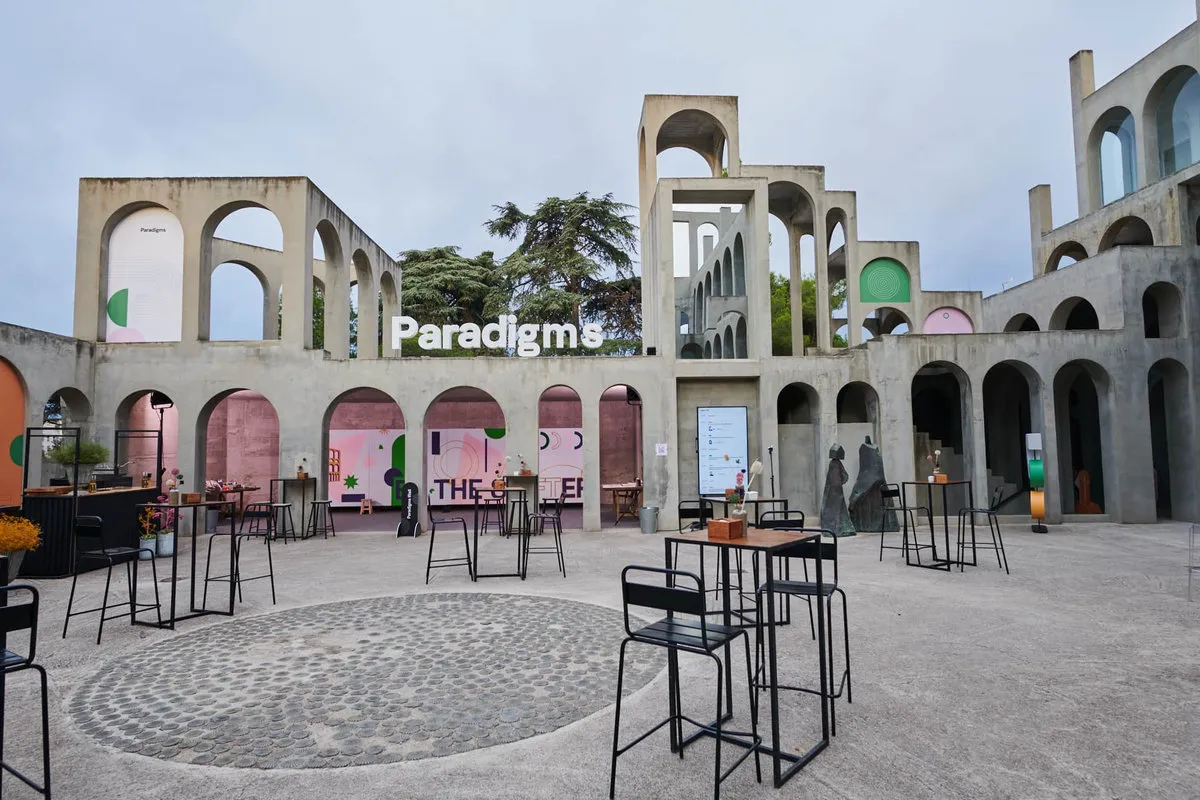
 Paradigms · Xavier Corberó studio Event and MICE agency
From congress to follow-up
Two days like Paradigms with Frontify, 150 guests from the branding world. You come back with scanned contacts and notes, export them, and sales follows up that same week.
See the full caseQuestions about Business Cards
Do I need special NFC cards?
Any NFC card you can write a link to will do. The app gives you your card link to write onto it.
Can I scan several cards at once?
Yes. Several in one photo or in burst mode, one after another.
Can I move the contacts to my phone?
Yes. One by one to your phone's address book, or all at once as Excel or a .vcf file.
What if I change phone number or company?
Update it in the app and your card updates. Your QR keeps working as long as you do not change your card address.
Does it accept an SVG logo?
Yes: JPG, PNG, WebP or SVG, from Safari too.
Works great with
Start with Business Cards today
Business Cards and every other Murphy OS app for one fee. No lock-in.
No lock-in. Cancel anytime.